How to Batch-Film a Week of Reels in One Day

Batch-create Reels by planning a few ideas, filming them in one session, then editing and scheduling them across the week — here’s the full checklist.
Batch-create Reels by planning a few ideas, filming them in one session, then editing and scheduling them across the week — here’s the full checklist.
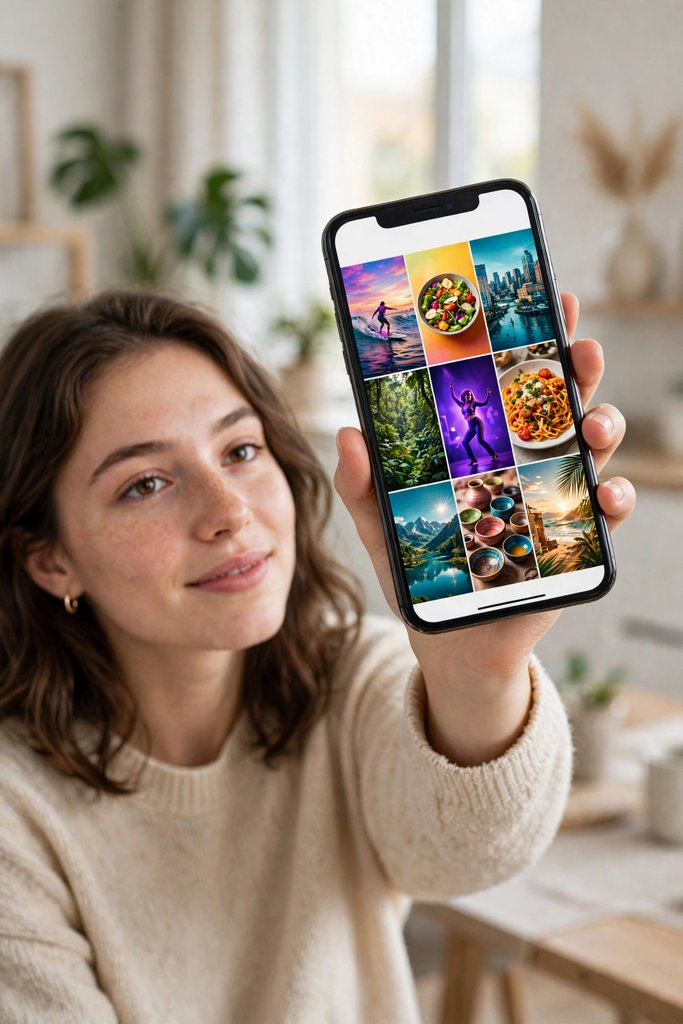
Pick your best frame, add short readable text, and keep your grid consistent. Learn how to make a Reel cover photo for Instagram, TikTok, and Shorts.
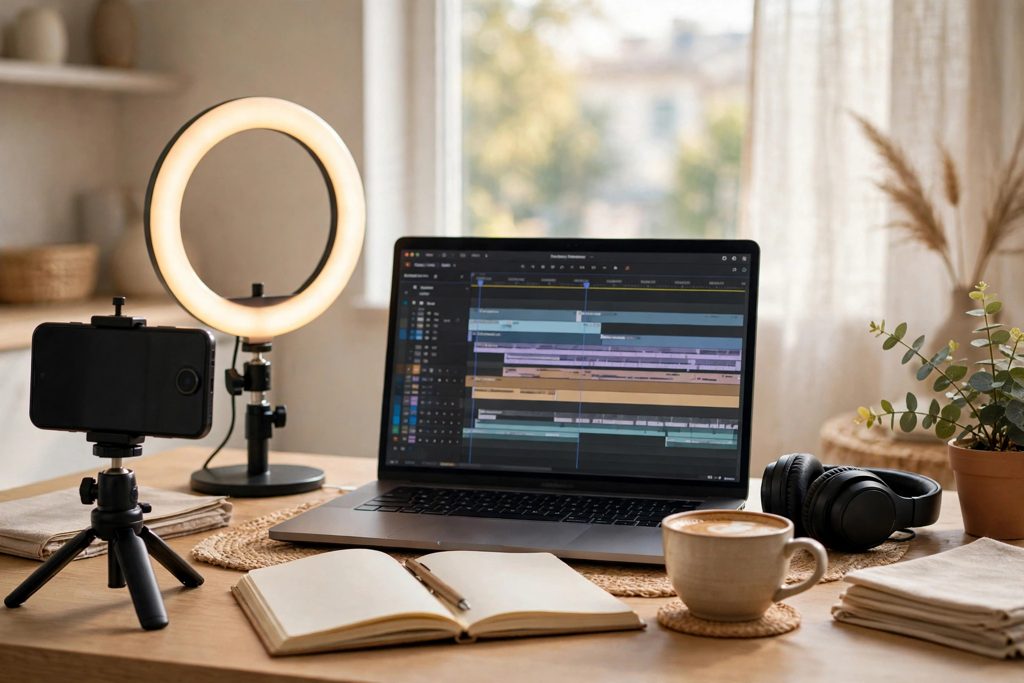
To start a faceless channel, pick one niche, set up a clear profile, plan your first 10 videos, and post on a simple routine you can actually keep.
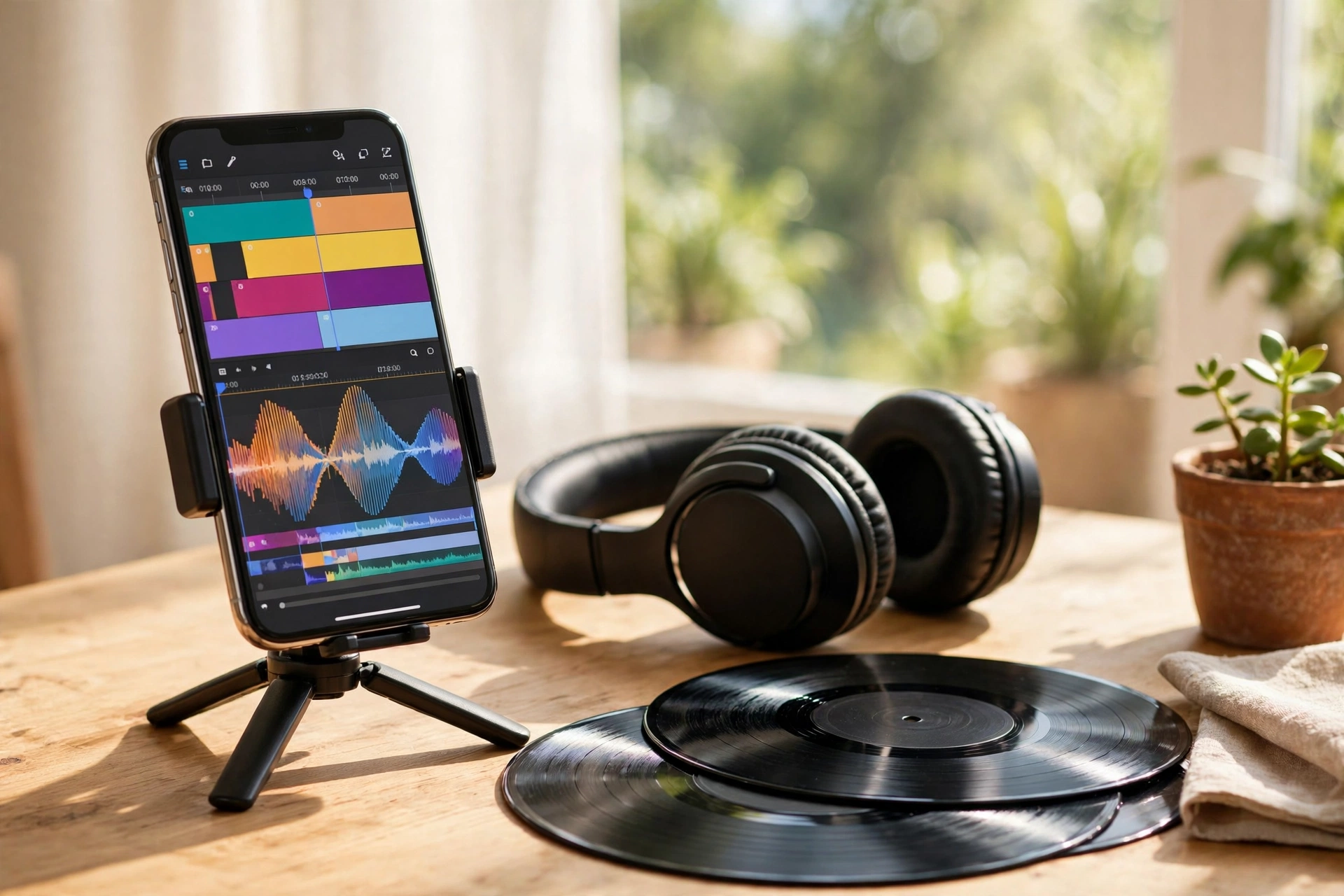
Use copyright free music for Reels, Shorts and TikTok from in-app libraries and royalty-free sources, and know what to do if a video gets muted.
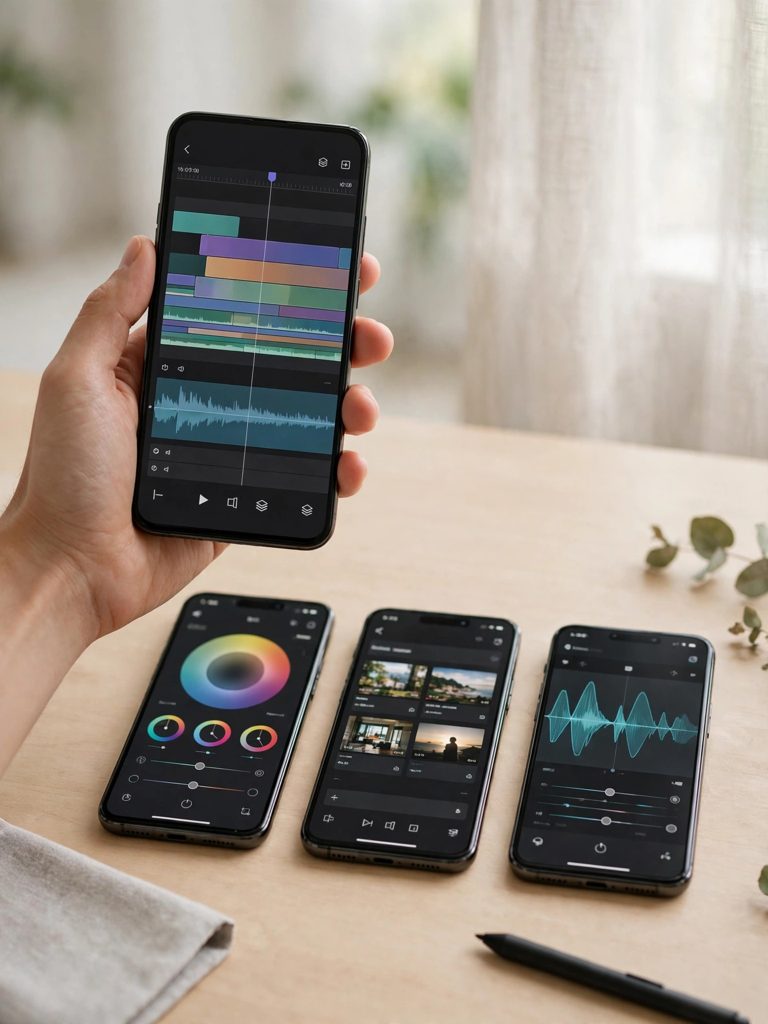
CapCut is the best free video editing app for Reels for most beginners, with templates and auto captions. VN suits manual edits; InShot suits quick trims.

Learn how to edit videos in CapCut for beginners: import, trim, add text and music, then export in 1080p — a full step-by-step guide to your first reel.

Make the Self Hug AI Photo trend: a pencil sketch of you hugging the real you. Steps, prompts, and mistakes to avoid.

Learn the Ukwu CapCut template step by step: one photo, the colour-to-black-and-white cut, the right sound, and the mistakes that ruin the slow-motion finish.

Make the “What is wrong with you?” CapCut template Reel in minutes — deadpan question, relatable clip, and the exact steps, settings and mistakes to avoid.

Make the “I feel like I haven’t done much this year” Reel: pick one clip per month, add the text hook, and turn an ordinary year into a recap people save.